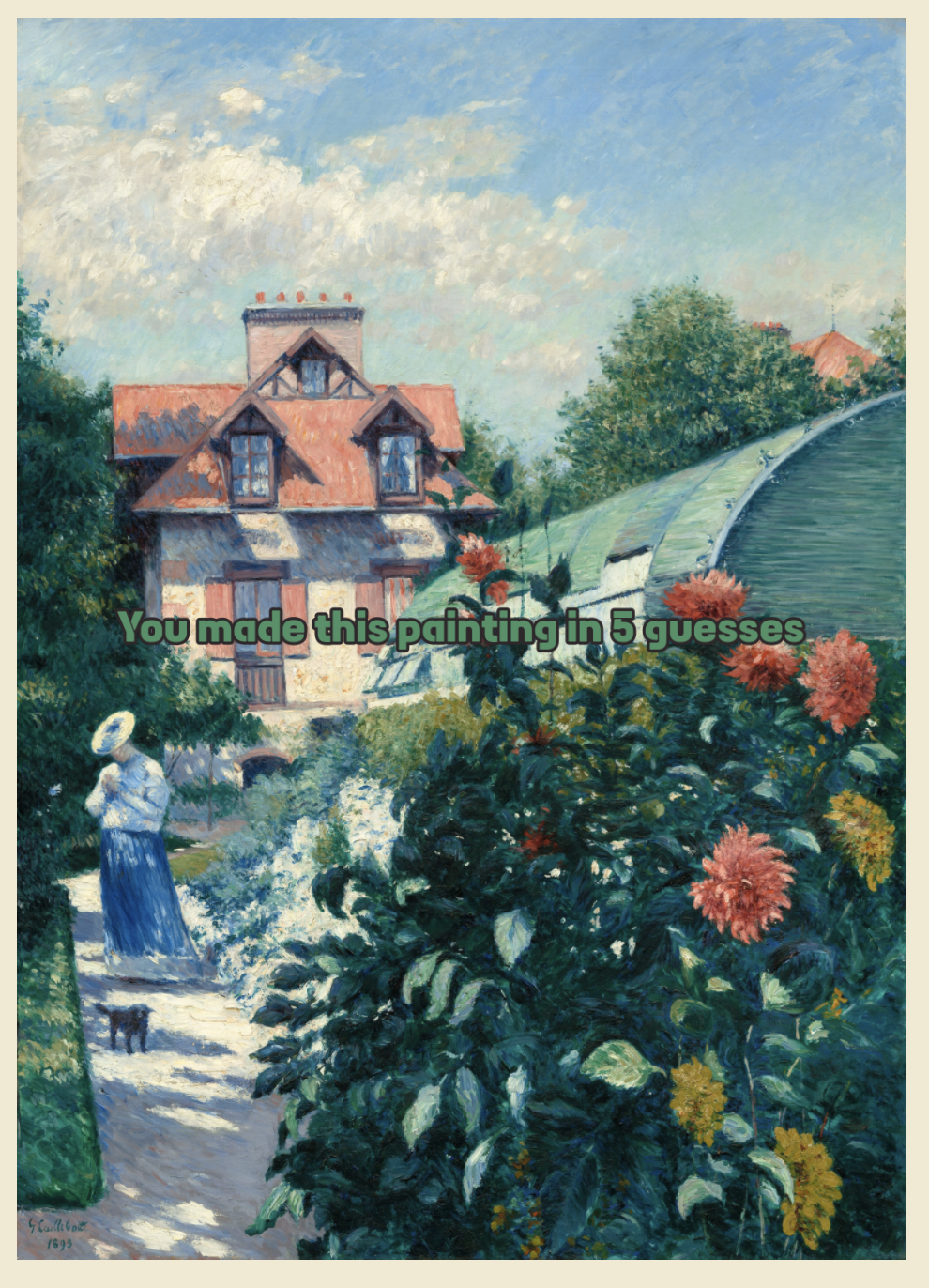
PaintTiles
Thank you for playing this prototype! Your feedback and any bug reports would be appreciated.
🖌️It is recommended to play with a mouse or a touchscreen device. Track pads are not recommended.
Tile Controls:
Mouse
- Click to rotate
- Drag to place
Touchscreen
- Tap to rotate
- Drag to place
Tutorial:
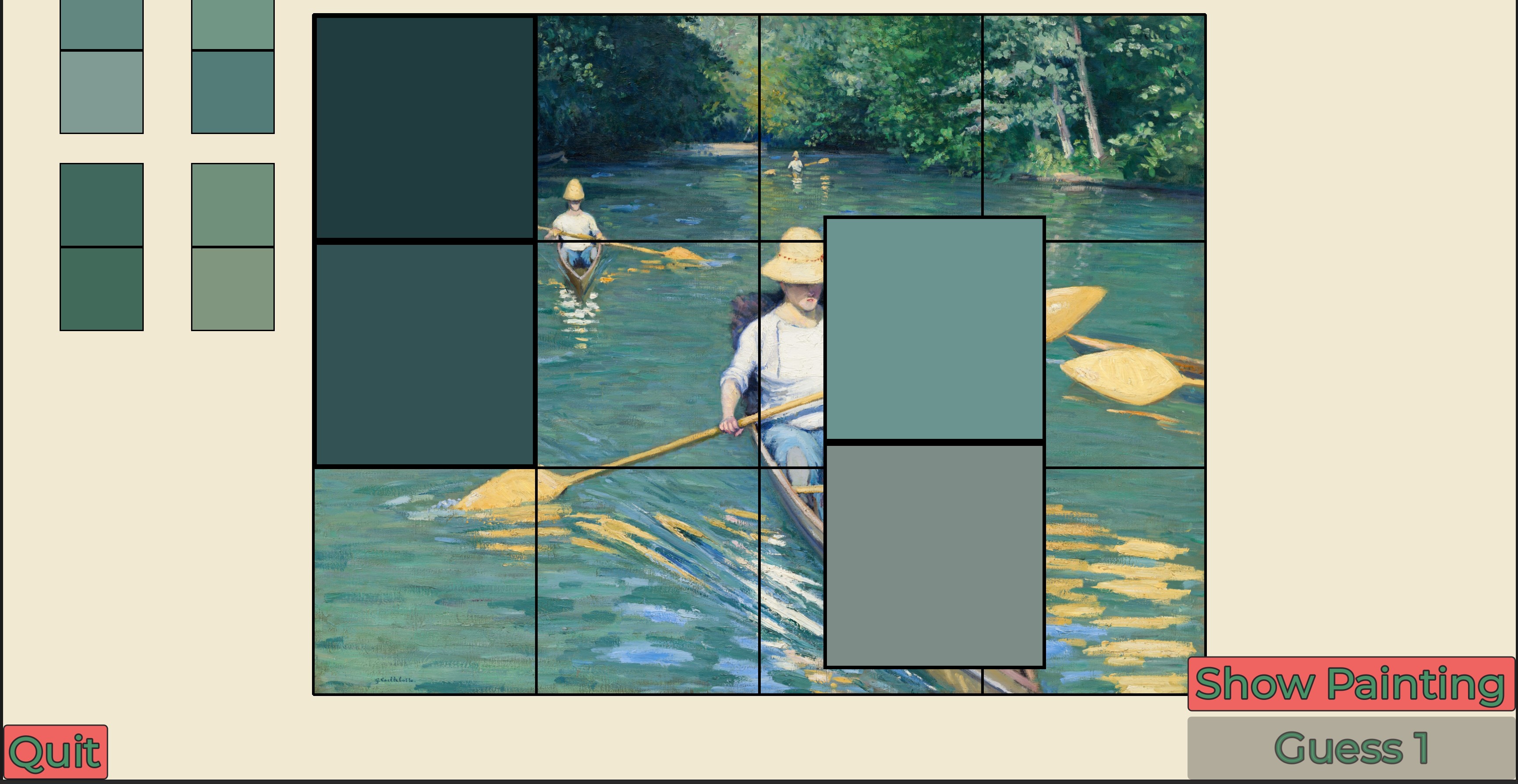
Each square is the average color of one square of the painting. Your goal is to match the colored dominoes to the painting.
Drag tiles onto the painting. Tap to rotate. Match the colored squares to the painting. Submit your guess once all tiles are placed. You get clues after placing the tile.
Clue Guide:
- 🟩Green: The tile is placed correctly. Good job!
- 🟨Yellow: The tile is incorrect. At least one square of the tile is on a yellow space.
- ⬛Black: The tile is in correct. No square of the tile is on a black space.
Development log
- Version 2 ReleaseMar 28, 2026
- Bugfix #1Mar 08, 2026
Comments
Log in with itch.io to leave a comment.
I’m back!
Nice improvements and it also sounds like you want feedback.
1: Get all 10 levels working (and maybe more). I did some brief digging online and saw something about using butler to upload larger files: https://itch.io/t/2872417/how-to-upload-your-game-or-project-to-itchio-with-butler
Also see if there are ways to lower the size of image files (WebP instead of PNG for example)
There also seems to be a way to request larger file uploads from itch.
2: Add background music and sfx. It would make the game feel more complete.
3: If you want feedback, make the survey quicker so people can briefly complete it. I would suggest putting the 1-5 star question at the top and making all other questions optional. In the end, it’s up to you.
4: Something I experienced when playing was forgetting the orientation of the tiles after a couple guesses. This made it harder to know if I checked the orientation already or not for a similar guess. Maybe a way to fix this is only light up one square yellow when the tile has on square correct and one square incorrect. This way, I know if it could be flipped or a different orientation entirely. Another idea is to make the one correct square green and the incorrect one either yellow or black. Experiment around with these or different solutions entirely.
5: A small change but make the squares enlarge quicker when clicking them (maybe around 2-3x as fast). It feels a tab bit unresponsive and is probably a single variable tweak.
Nice artist choices! Monet is a cool one.
Nice game! I haven't seen an idea like this before! Very fun - can't wait for more levels.